
Playbook
First Photo
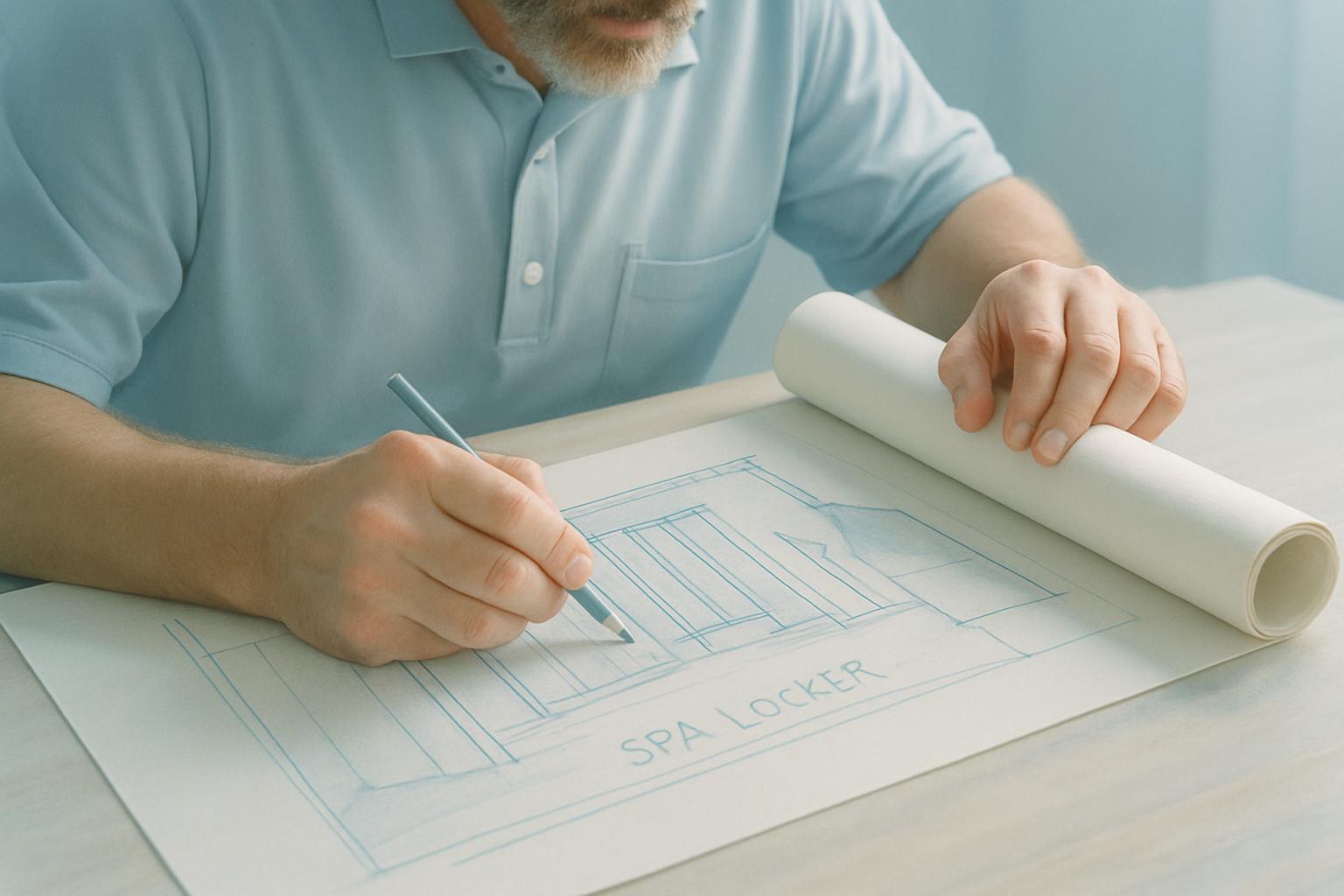
Send the first venue photo early so lanyards, table items, and giveaway stock suit the actual setup.
Before cartons are sealed, one useful photo can save a chain of questions. First Photo is our note on capturing the branded item, the pack layout or the counted stock while it is still easy to correct.
Getting one useful image before stock is taped up and moved out helps the team check the setup properly. For event kits in Gauteng, KZN, or the Western Cape, that picture can show table width, backdrop position, badge count, or how giveaway items sit together. Want a second opinion on the layout? Send the event brief and floor plan.
What the first image must show
- Venue spot and setup area visible
- Stock, table, or pack layout shown in the shot
- Item names matched to the visible products
- Badge, lanyard, and table labels read correctly
A first image is most useful when it sits next to the exact item list for that activation. It lets the buyer compare the venue view with the selected lanyards, table items, and giveaway stock instead of relying on memory. That matters when several small packs are moving to different sites.
Where First Photo earns its keep
First Photo helps match the kit to the actual venue instead of guessing from a brief. A shot of the table, counter or activation spot can guide choices around lanyards, giveaway stock and table items. It is a simple step that makes branded pieces fit the setup more naturally.
Conference check-in tables, campus activations, retail counters, and foyer displays all benefit from an early venue shot. A narrow table may suit stacked handouts and a compact pull-up, while a broad registration desk can carry bowls, sign-in sheets, and neatly spread packs. The image gives scale that a typed brief often misses.
Sometimes the photo is taken at the venue, and sometimes on the packing bench with counted stock laid out as it will be used. Either way, it helps catch missing badge holders, overpacked table items, or giveaway quantities that look wrong for the expected foot traffic. One picture can stop a pile of avoidable follow-up messages.
What the photo helps settle
You get a clearer call on quantity splits, pack order, and which branded pieces belong at which point of the setup. It also helps when more than one person is handling handover, because the intended layout is visible rather than implied. That is especially handy for roadshows and multi-site event runs.
Use First Photo before widening the order or adding extra lines to the pack. Check visible quantities, logo orientation, and whether the table or counter can actually take the planned spread. Promo kit orders need the item list, head count and the event venue so packs are made up correctly.
- Pack choices based on the actual setup
- First venue view checked before sealing cartons
- Photo shared with the working brief
Venue conditions that change the pack
A mall table in Johannesburg does not behave like a beachfront activation in Durban or a foyer desk in Cape Town. Available surface space, queue direction, public access, and who manages the stand all affect what should be placed out first. The opening photo gives those details in seconds.
Humidity on the coast can curl paper inserts, mark uncoated cards, and affect how stickers sit overnight. In Gauteng, wind and dust around outdoor activations can change how table items, sample packs, and acrylic holders present in the first photo. Power cuts also shift setup timing, so an early image helps confirm branded pieces are in the right spot before the venue gets busy.
Operated by Astros Marketing (Pty) Ltd from 2 Makro Place, Sunnyrock 1401.
Notes to send with First Photo
Send the first venue photo early so lanyards, table items, and giveaway stock suit the actual setup.
Add the event name, city, headcount, and what the team will hand out from that position. It also helps to note whether the image shows the final venue spot, a trial layout, or counted stock before dispatch. That way the photo stays useful when someone checks the stock list later.