
Playbook
Power Windows
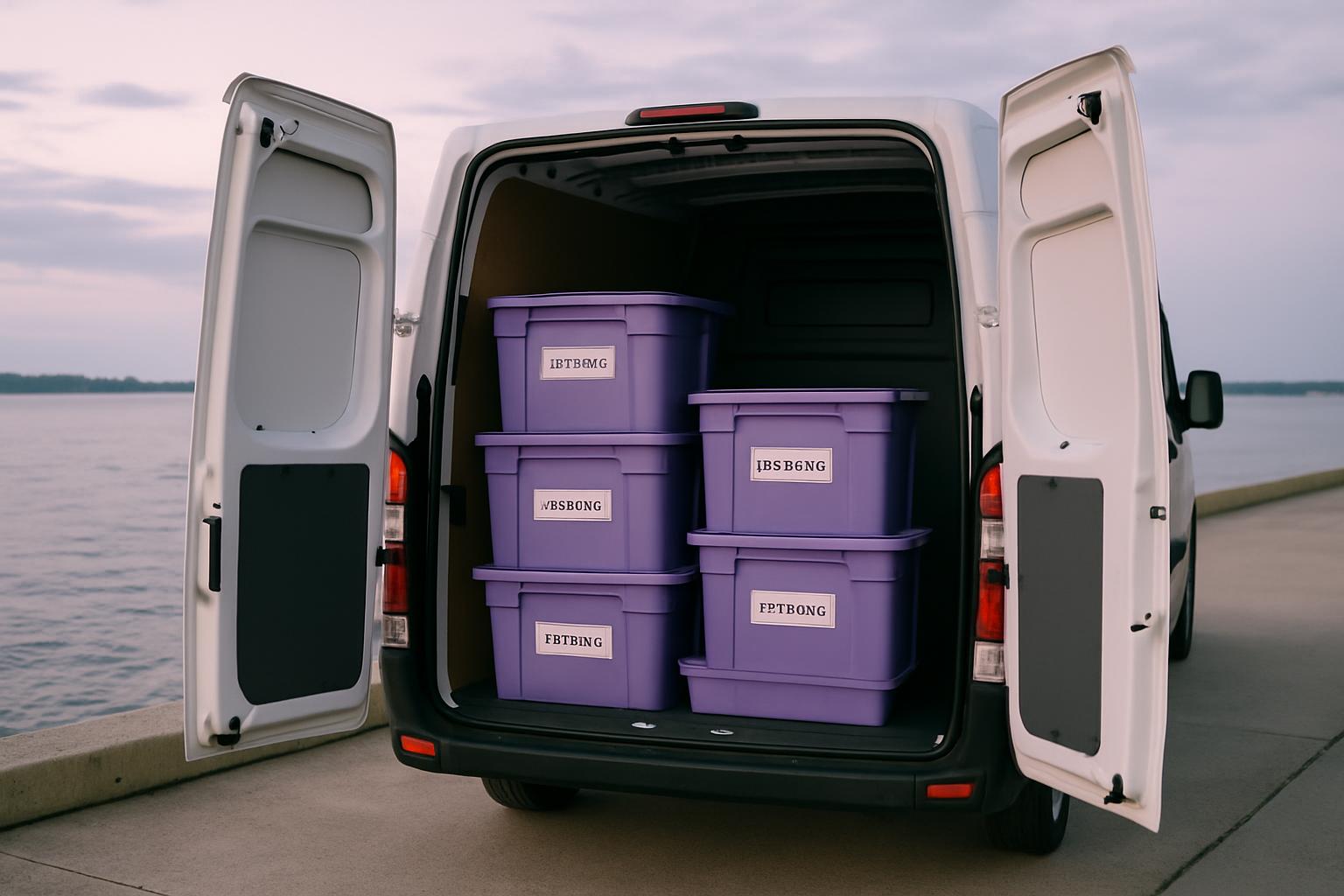
If the venue has load-shedding windows or limited plugs, plan battery lights, printed signs, and simpler display units.
Loads of event headaches start at the plug point: extension leads not packed, lighting left off the list, or a demo unit drawing more power than the stand can handle. Power Windows maps out the checks for branded set-ups that need electricity.
Power-dependent event kits need extra planning for South African venues. Think extension lead counts, charging points, demo screens, LED strips, and what still reads well when the power drops during setup. If you need that thinking applied to a branded stand or giveaway pack, use the contact form and send the venue brief.
Plug points to confirm first
- Wall plugs counted at the stand
- Battery light packed for dark corners
- Venue power note linked to the job
- Stand contact and electrician named clearly
Read this alongside the item pages for anything that needs charging, lighting, or a screen. The playbook points out risk areas on site, while the catalogue shows which products suit low-power setups. That split helps brand teams choose display pieces that still work during venue restrictions.
When the venue power is patchy
Power Windows is a reminder to plan around venues with load-shedding slots or limited plug access. If power is uncertain, battery lights, printed signs and simpler display units often work better than power-hungry setups. That keeps the activation usable even when the venue options are tight.
Start by listing what truly needs electricity on the day. A conference registration desk may only need a lamp and card machine, while a mall activation can involve a TV, speaker, charging station, and branded lightbox. Around Johannesburg, Durban, and Cape Town, many teams get further with printed messaging and rechargeable lighting than with a power-heavy stand.
Ask for the first venue photo with the nearest plugs in frame. That one image often shows cable routes, table positions, and whether a display will sit too far from the wall. Smaller sites also benefit from a printed backup sign so the brand stays visible if a lit unit must stay off.
What the power plan should cover
The useful output here is a stand plan that separates must-have power items from nice-to-have extras. Include lead lengths, charging needs, backup print pieces, and the simplest display option that still looks tidy. One working setup beats a branded unit that cannot switch on at the venue.
Link Power Windows to the event brief before adding illuminated extras or screen-based demos. Check battery charge, plug count, and extension leads before dispatch, then label any item that must be switched on first during setup. If you send details through the contact form, include the venue name and any load-shedding window supplied by the site.
- Display choices for limited electricity
- Plug access checked from venue photos
- Backup signage for power cuts
Venue conditions that change the setup
Power planning shifts by setting. Expo halls may have booked electrical drops, office foyers may offer only one shared socket, and school or campus activations often need a lighter footprint with fewer powered elements. Separate the core brand message from any display piece that depends on constant electricity.
Load-shedding affects arrival times, charging routines, and which branded units are worth taking to site. Coastal venues can add moisture risk for some electrical gear, while dusty inland setups need covers for screens and lit acrylic items during transport. A confirmed plug point is as important as table size when an activation includes anything powered.
Operated by Astros Marketing (Pty) Ltd from 2 Makro Place, Sunnyrock 1401.
Notes to gather before build
If the venue has load-shedding windows or limited plugs, plan battery lights, printed signs, and simpler display units.
Record the power requirements while the event plan is still being shaped. Add the venue, plug count, extension lead lengths, battery backups, and any printed substitutes to the same job note as the stock list. That makes handover easier when the buyer asks why a simpler display route was chosen.